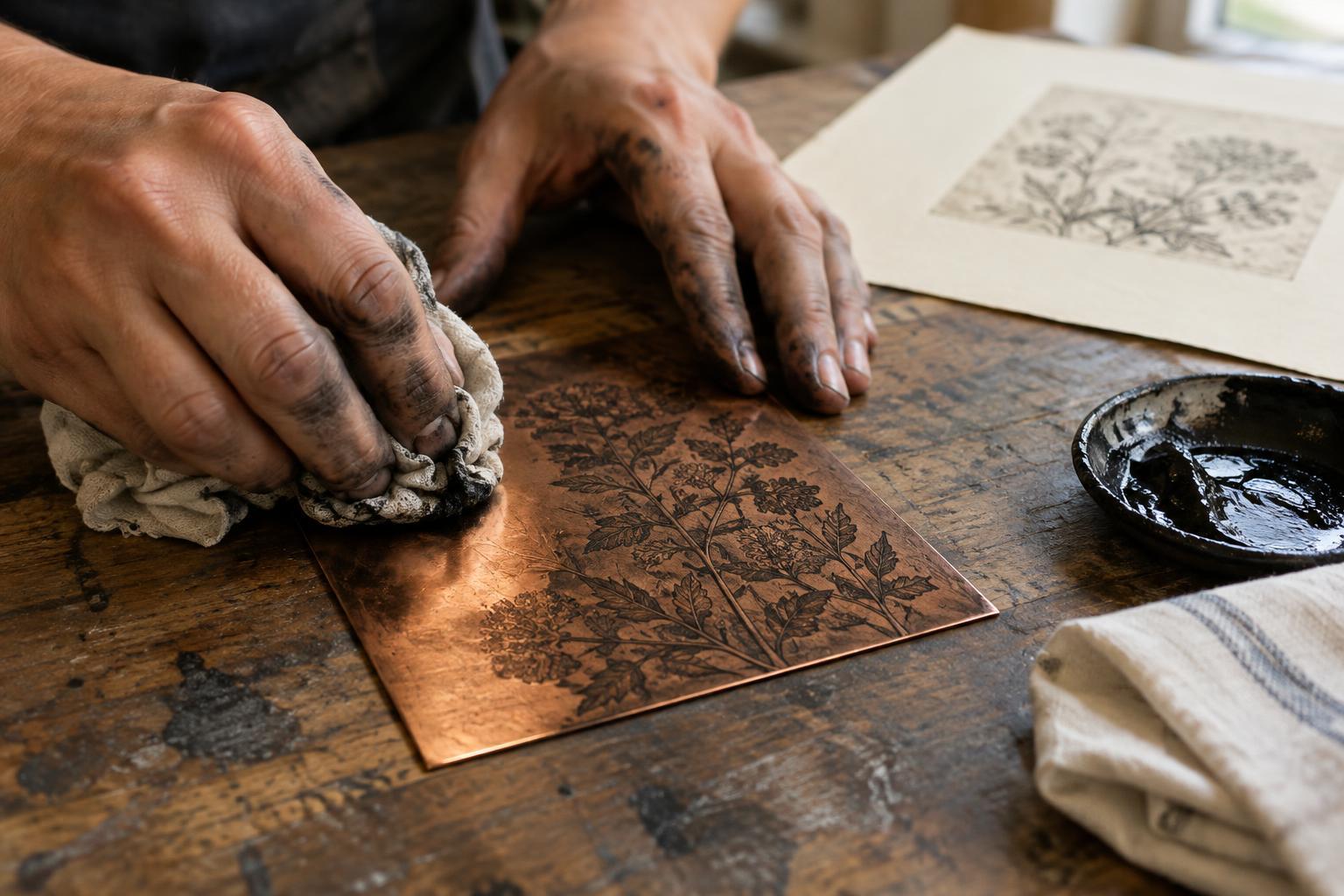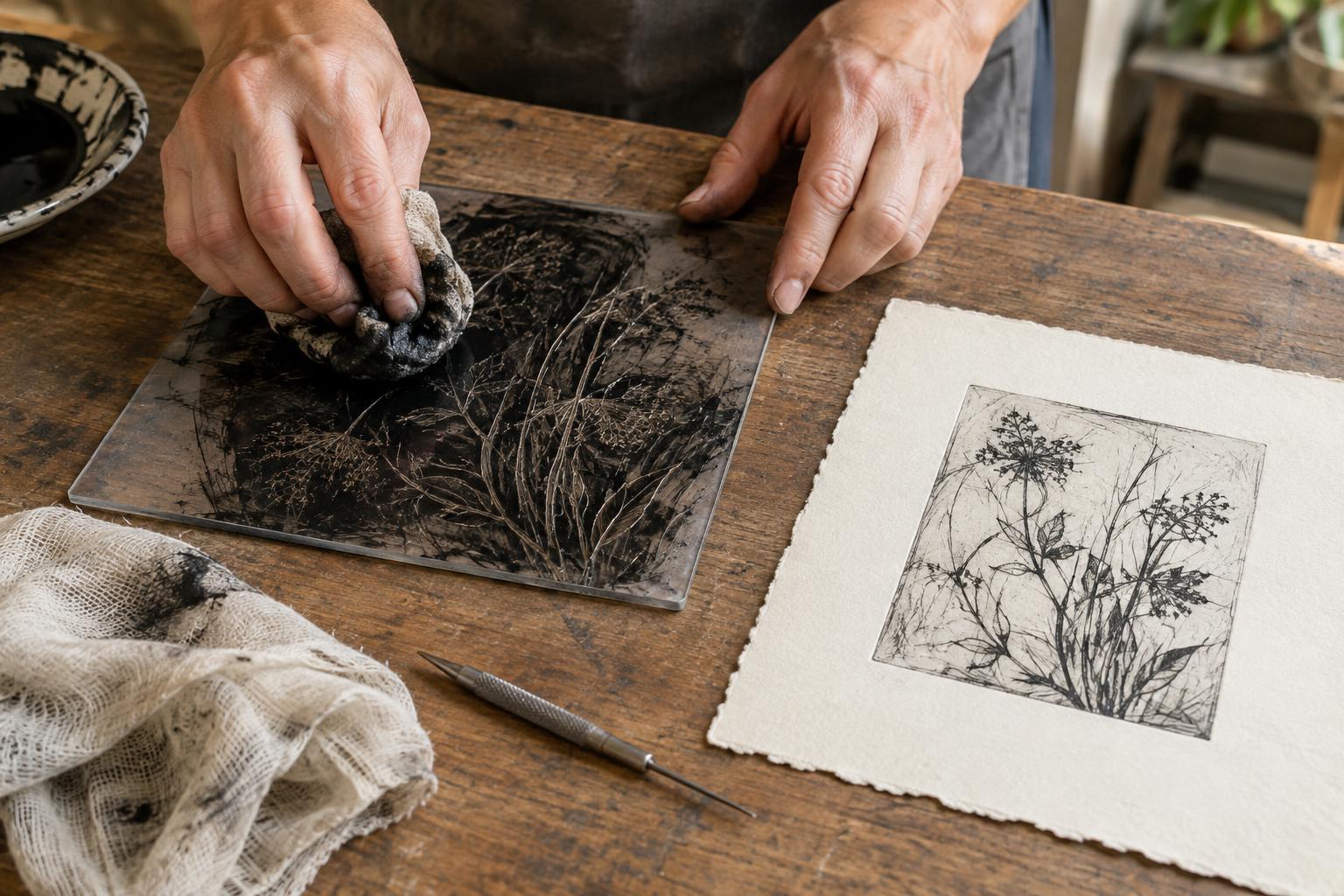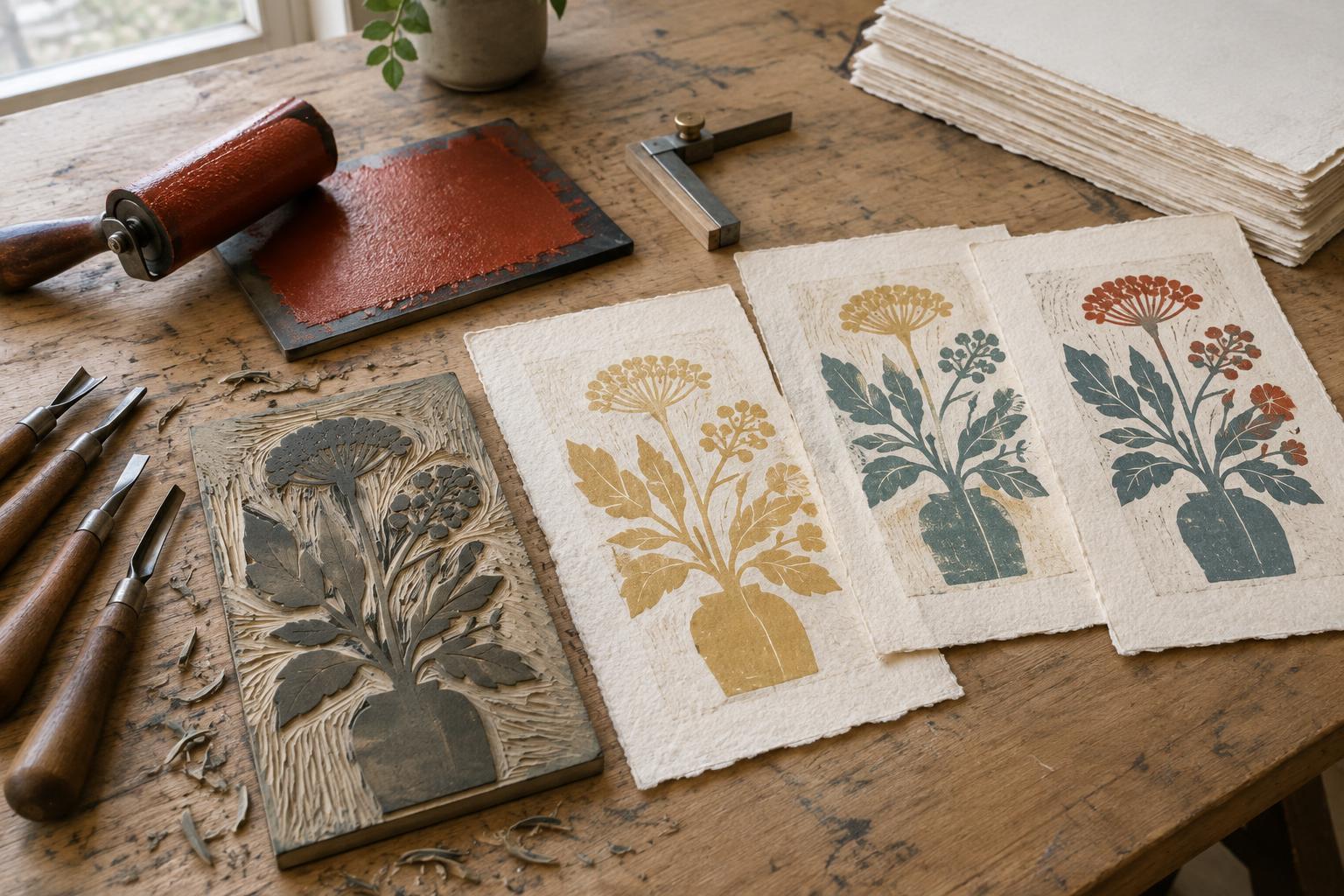
Start by reading the pattern
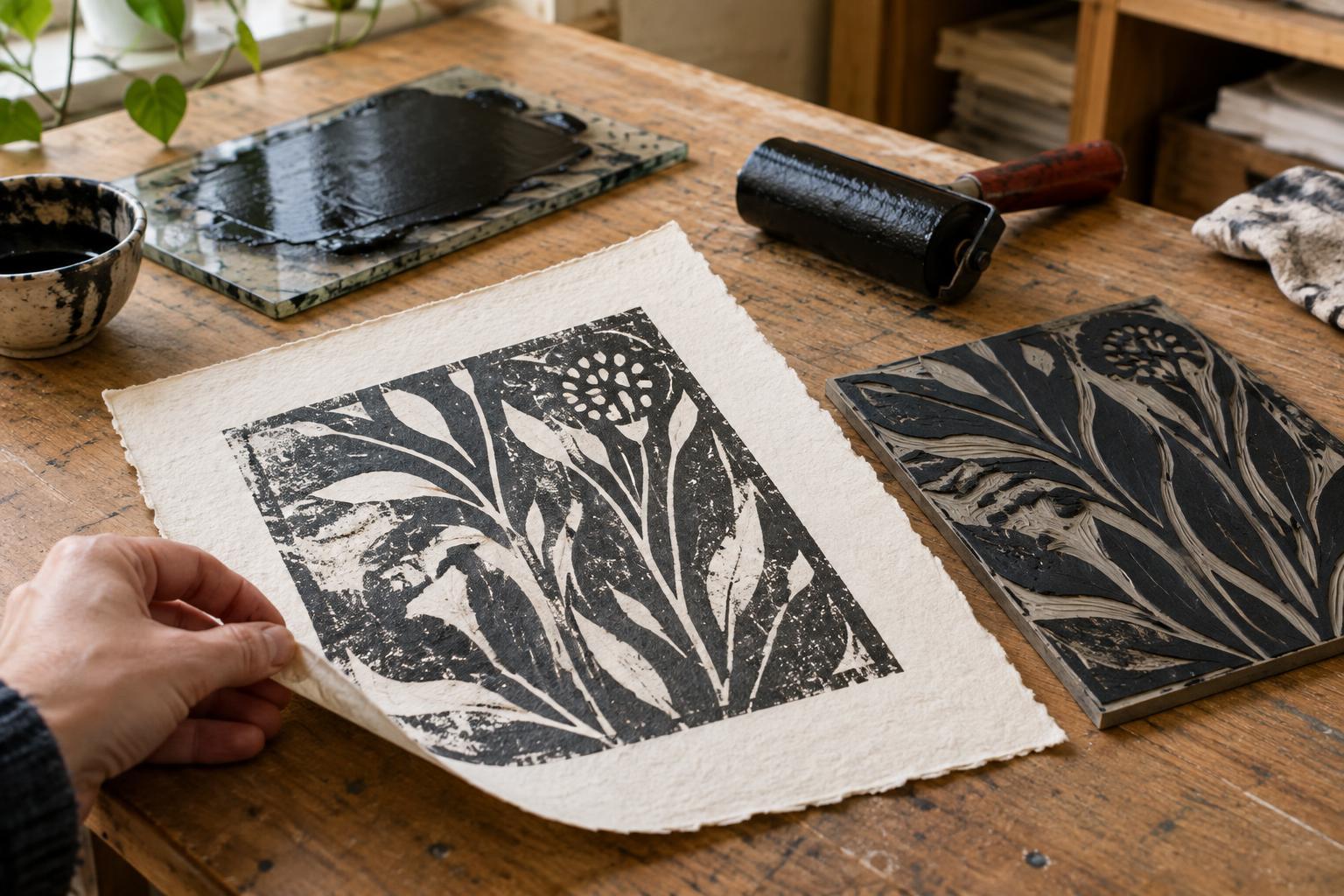
When a relief print comes out patchy, resist the urge to change everything at once. Put the print beside the inked block and look for a pattern. Does the same pale shape appear in every impression? Is one edge consistently lighter? Are there tiny unprinted specks across a large solid area? Each result points toward a different part of the process.
Make two or three test prints on the same paper, using the same ink and method of pressure. Label them in the order you pulled them. A gap that stays in exactly the same place may come from the block’s surface or a low spot beneath it. A gap that moves or changes size is more likely related to inking or pressure. Keep the tests: comparing them is more useful than judging a single print in isolation.
Check whether the ink is reaching the block evenly
Too little ink often shows as a grainy or speckled impression, especially in broad shapes. Roll out a small amount of ink until it forms a thin, even layer on the slab, then pass the brayer over the block in several directions. Listen and feel as well as look: the roller should travel smoothly, without skidding over dry areas or dragging through thick ridges. If the block still looks uneven, check whether the brayer is wide enough to cover the area comfortably.
More ink is not always the answer. An overloaded block can print dark blobs while filling fine carved lines. It may also make the paper slip under pressure. If ink is collecting along the edges of raised shapes, roll some off on a clean part of the slab and try again. For a large solid area, build coverage with several light passes rather than one heavy application. Ink behavior varies by product and block material, so use the appearance of the test print as your guide.
Separate pressure problems from inking problems
Uneven pressure can leave a print light on one side even when the block looks evenly inked. With hand burnishing, it is easy to spend longer on the center than on the corners. Place the paper carefully, hold it steady and work across the back in an orderly pattern, overlapping your passes. Before lifting it completely, peel back one corner while keeping the rest in place. If coverage is weak, lay the corner down again and continue burnishing without shifting the sheet.
If you use a press, check that the block and its backing sit level and that the pressure suits their thickness. A thin sheet placed under the block can help support a low area, but make small changes and test after each one. Paper matters too: a heavily textured sheet may leave tiny white pockets because its surface does not contact the block uniformly. Try a smoother sheet as a comparison before recarving a block that might be working as intended.
Look for block and carving clues
If an unprinted mark repeats in the same position despite careful inking and even pressure, examine the block under angled light. A raised printing area may have been cut lower than its neighbors, or a wide shape may have an uneven surface. On some soft blocks, a depression can be subtle until a test print reveals it. Dust, dried ink or a small scrap of material on the surface can also interrupt contact; clean the block as appropriate for its material and let it dry before testing again.
Accidental tool marks near an image can cause the opposite problem: stray inked lines. If a shallow carved channel is picking up ink, you may be able to cut it a little deeper, taking care not to weaken a nearby raised line. Work slowly and print another proof before making further cuts. Carving is difficult to undo, so first rule out an overloaded brayer or excessive pressure that may be pushing ink into areas meant to remain white.
Make one controlled change, then decide what to keep
A simple troubleshooting sequence saves paper and guesswork. First, print from a clean, evenly inked block onto familiar, relatively smooth paper. Next, keep the ink amount the same and change only the pressure. If the same gap persists, inspect the block and its backing. Change one variable per proof and write a brief note on the back, such as “lighter ink” or “more pressure at top edge.” The notes will help you find the settings that made the clearest impression.
Not every uneven area needs fixing. Slight variations can give a relief print energy and make the carved surface visible. The useful question is whether the patchiness supports the image or distracts from it. Once you know what causes it, you can choose deliberately: aim for a more even edition, or keep a textured effect and repeat it as consistently as your process allows.