What a paper stencil does
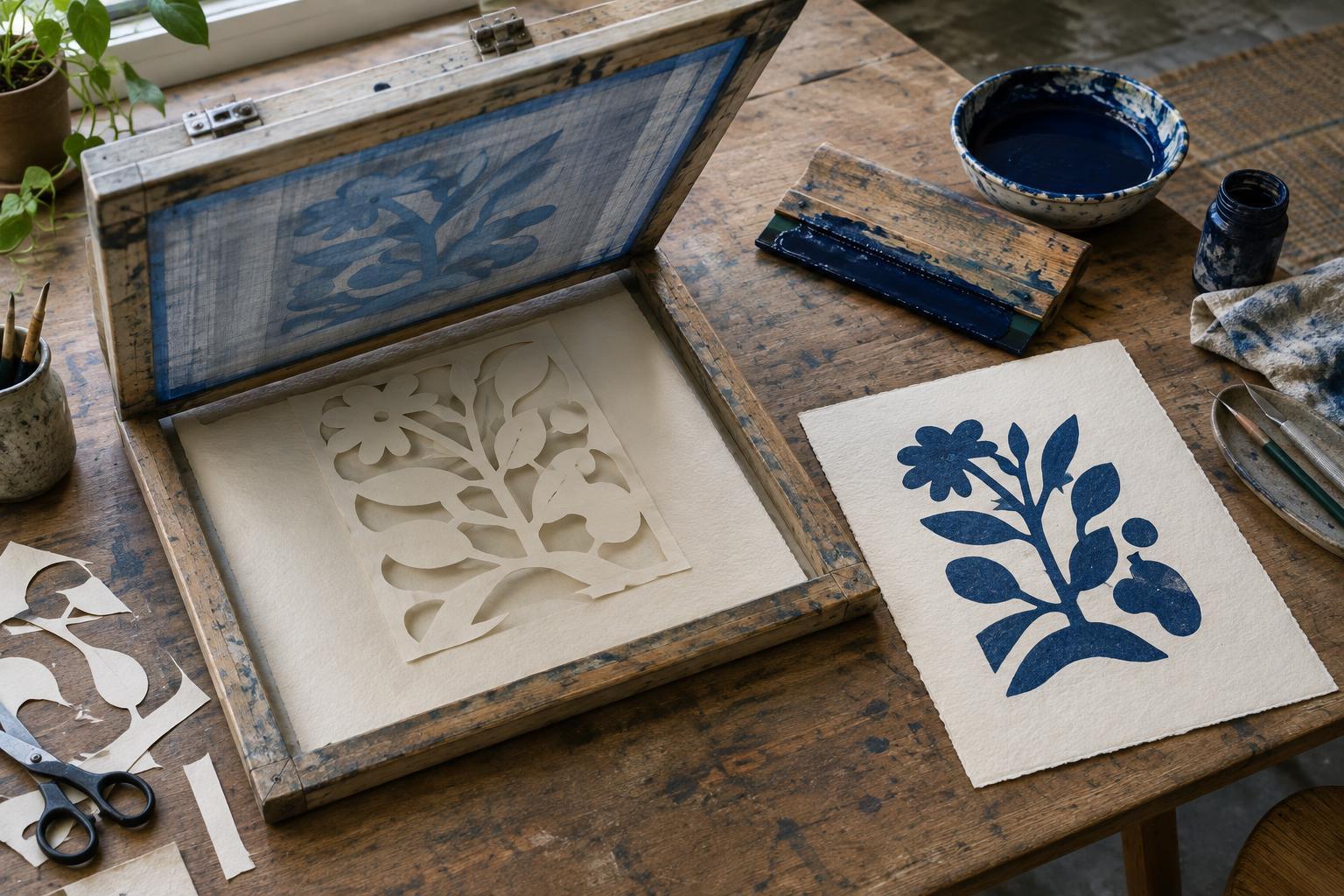
A hand-cut paper stencil blocks ink wherever the paper covers the screen. Ink passes through the openings you cut, producing a bold, direct image. Unlike a photo stencil, this approach does not require screen exposure. It is well suited to a first screenprinting session, a short run of prints or a design made from a few strong shapes.
Gather a clean screen, a squeegee, screenprinting ink, a smooth work surface, printing paper and thin stencil paper. You will also need a cutting mat, a sharp craft knife, scrap paper for tests and low-tack tape. Water-based ink is a practical choice when you can wash the screen promptly with water, but follow the cleanup directions for the ink you use. Start with a single color so that you can concentrate on how the stencil and screen behave.
Design shapes that hold together
Draw your image on the stencil paper at the size you intend to print. The areas you remove will receive ink; the paper left behind will protect the printing surface. A simple leaf, lettering with wide strokes or a group of geometric shapes makes a useful first project. Keep narrow lines and tiny gaps to a minimum, since they are harder to cut cleanly and may print less reliably.
Before cutting, look for enclosed pieces of paper that would fall out, such as the center of an O. If you want to keep those areas unprinted, connect them to the rest of the stencil with small paper bridges. Cut on a mat, turn the paper rather than forcing the knife around tight curves, and remove each cut piece gently. A clean edge gives the squeegee less opportunity to lift or wrinkle the stencil.
Set up the screen and position the stencil
Place a sheet of test paper where the print will go. If your screen has a hinged frame, use it to keep the screen in the same position for each impression. Otherwise, mark a consistent screen position on your work surface. Add two small paper or card stops outside the image area to help align each fresh sheet.
Lay the cut stencil flat on the test paper with its openings where you want the ink to appear, then lower the screen carefully over it. The screen should hold the stencil in place during the pull. After the first impression, the damp stencil may cling to the underside of the mesh; check that it remains flat and correctly aligned before printing again. If an edge shifts, secure only its outer margin with a little low-tack tape, keeping tape clear of the image openings. Exact behavior depends on the paper, ink and mesh, so treat the first print as a setup test.
Pull a print and adjust
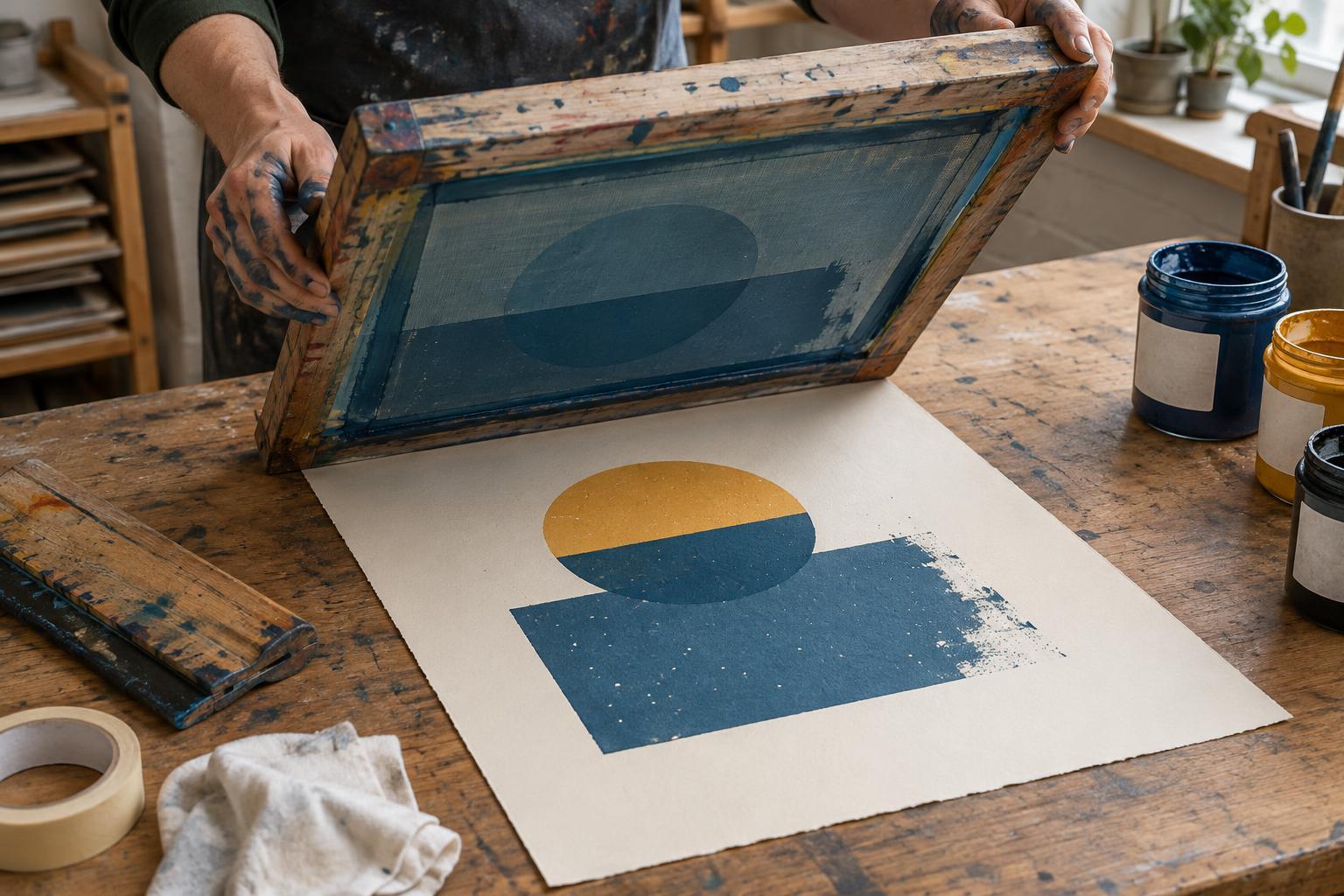
Put a modest line of ink across the screen above the image. Hold the squeegee firmly and draw it across the stencil in one steady pass, with enough pressure to push ink through the open mesh without grinding the screen against the table. Lift the screen and inspect the test print. If coverage is patchy, check that the stencil is flat and the ink is distributed across the full width of the image before changing your pressure.
A blurry edge can mean the stencil moved, the paper shifted or too much ink gathered near a cut edge. Reset the registration stops, smooth the stencil and try another impression with a controlled pull. Work at an even pace: water-based ink can dry in the mesh if left sitting, while repeated heavy passes may soften a delicate paper stencil. Expect the stencil’s edges to change over a run, and compare later prints with the first acceptable one.
Finish the run and build on the method
Set each print aside where it can dry without touching another sheet. When you finish, remove the stencil and clean the screen, squeegee and work area according to the ink maker’s directions. Do not leave ink to dry in the mesh. A paper stencil may be too worn to reuse, but it can still serve as a record of how the image was made.
For a next project, print one simple shape in two separate colors. Let the first layer dry, then cut a new stencil for the second and use the same paper stops to place each sheet. Slight shifts between layers can become part of the image; if precise alignment matters, allow generous shapes that tolerate small variations. That progression turns a quick stencil exercise into a useful lesson in layering, registration and planning a small edition.