Diagnose the mark before changing your setup
A screenprint depends on ink passing through open areas of mesh while the stencil holds it back elsewhere. When a print goes wrong, start by comparing the paper, the underside of the screen and the stencil itself. An unwanted dot in the same place on every sheet suggests a pinhole. A dragged edge may point to movement or excess ink. A detail that prints faintly or disappears after several pulls may indicate blocked mesh.
Keep one flawed sheet as a reference and make a fresh test print after each adjustment. Changing ink, pressure and screen position at once makes it difficult to tell which change helped. Before troubleshooting, protect your work surface and check that your paper, ink and stencil are suitable for one another.
Pinholes: stop ink passing through the wrong places
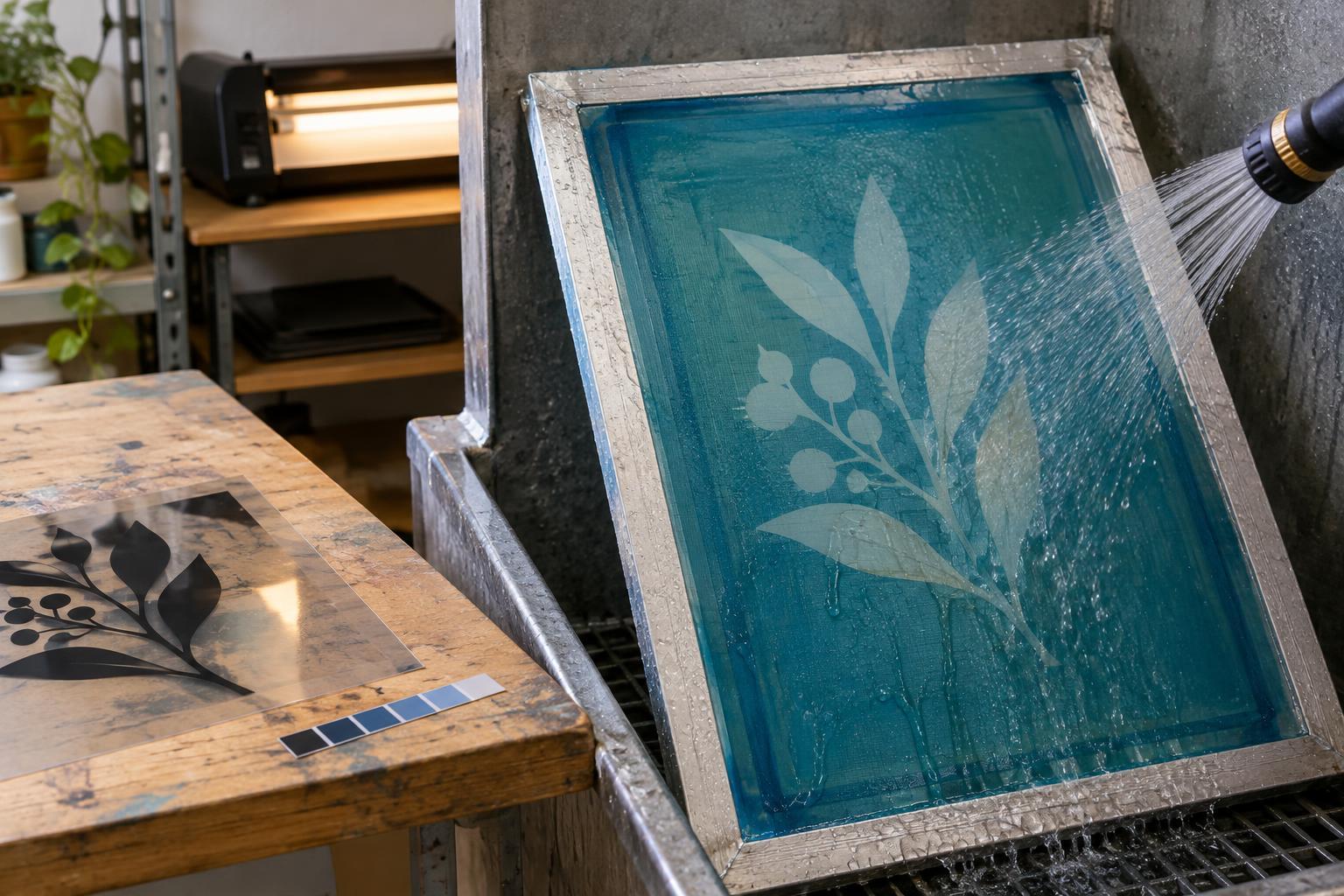
Pinholes are small breaks in the stencil that let ink through where you intended a blank area. Hold a clean, dry screen up to a light to look for unexpected openings. If a hole lies outside the design, screen tape may be enough to cover it. For a tiny hole within a nonprinting part of the image, use a blockout product compatible with your stencil and ink, following its drying instructions. Test the repair before returning to the edition.
If many pinholes appear, repeated spot repairs may be less reliable than remaking the stencil. Dust on the mesh, uneven emulsion coating or handling damage can contribute to weak spots. For the next screen, clean and degrease the mesh as directed for your materials, rinse it thoroughly, and let it dry in a clean place before coating. Inspect the coated screen before exposure and again before printing. Avoid touching the stencil surface more than necessary.
Smears: check movement, contact and ink
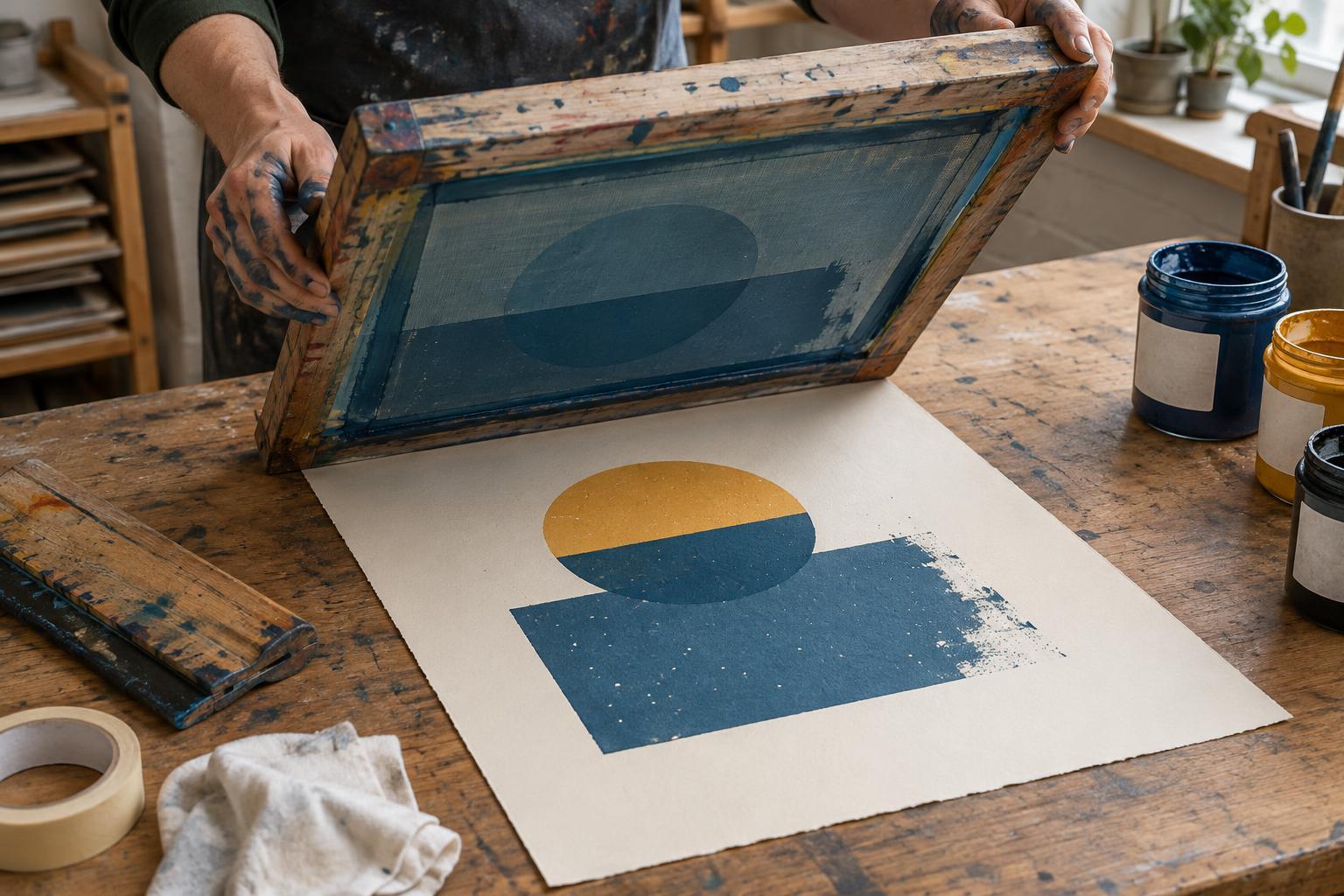
A smear can happen during the pull or after the sheet leaves the screen. If edges look dragged in the direction of the squeegee, check whether the paper is slipping. Use registration guides or suitable low-tack holding methods, and make sure the screen is secure. Then try a steady pull with consistent pressure. Excess pressure can force too much ink through the mesh, while an uneven pull can leave one part of the image heavier than another.
If the screen sticks to the paper, check the gap that allows it to lift away after the squeegee passes, often called off-contact. A small, consistent gap can help produce a clean release; the right setting depends on the screen and printing setup. Also inspect the underside of the screen for ink buildup and clean it carefully when needed. If a print looks clean at first but smears in the drying area, handle sheets by their edges and give them enough space and time to dry. Do not stack them while the ink is still tacky.
Blocked mesh: act before ink dries in the image
Blocked mesh prevents ink from passing through areas that should print. Fine lines and small lettering often reveal the problem first. Pause the run if a detail begins to fade. Check that there is enough ink to maintain an even flood across the image, and avoid leaving the screen exposed between pulls longer than your ink allows. Water-based inks, in particular, may dry in the mesh during a slow session.
For a minor blockage, use the cleaning method specified for your ink and stencil, then make another test print. Work gently: aggressive rubbing can damage the stencil or push debris into the openings. Follow the product directions for any cleaner, including ventilation and protective equipment, and do not assume a solvent suitable for one ink is safe for another stencil. If detail remains blocked after careful cleaning, reclaiming and remaking the screen may be the sounder choice.
Build a repeatable check into every edition
Before committing good paper to a run, print a few proofs on comparable stock. Look for stray dots, crisp edges and complete detail. Note the ink, paper, squeegee and screen setup that produced a sound proof. During printing, compare sheets regularly rather than waiting until the end to discover that a flaw appeared halfway through.
Plan for cleanup as part of the session. Keep appropriate materials nearby, follow the ink maker’s cleaning instructions, and dispose of residues according to local requirements. A brief pause to inspect the screen or adjust the setup is usually easier than trying to rescue an entire stack of inconsistent prints.