Start with the image, not the paper label
A good screenprinting paper is one that suits the image, ink and way you work. A poster with broad areas of color may look lively on a slightly textured sheet, while a design built from tiny lettering or fine lines usually benefits from a smoother surface. Before shopping, note the smallest detail in your stencil, the number of colors you plan to print and whether the finished work will be handled, framed or folded.
Paper described as suitable for printmaking is a useful starting point, but it is not a guarantee of a good result. Even sheets of similar weight can behave differently under a screen. If possible, buy a few sample sheets before committing to paper for a full edition. A small test can reveal more than a product description about how the surface accepts your ink.
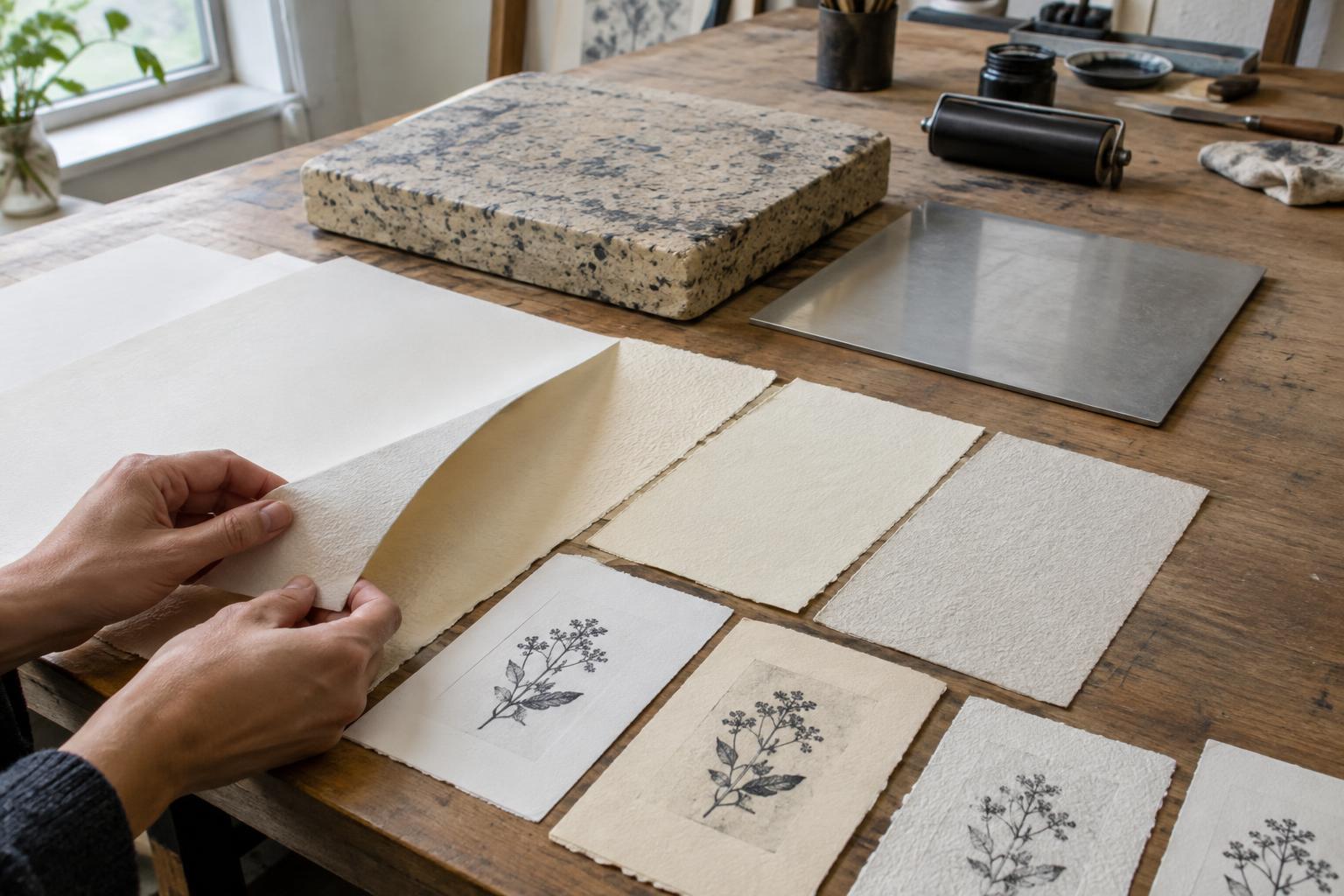
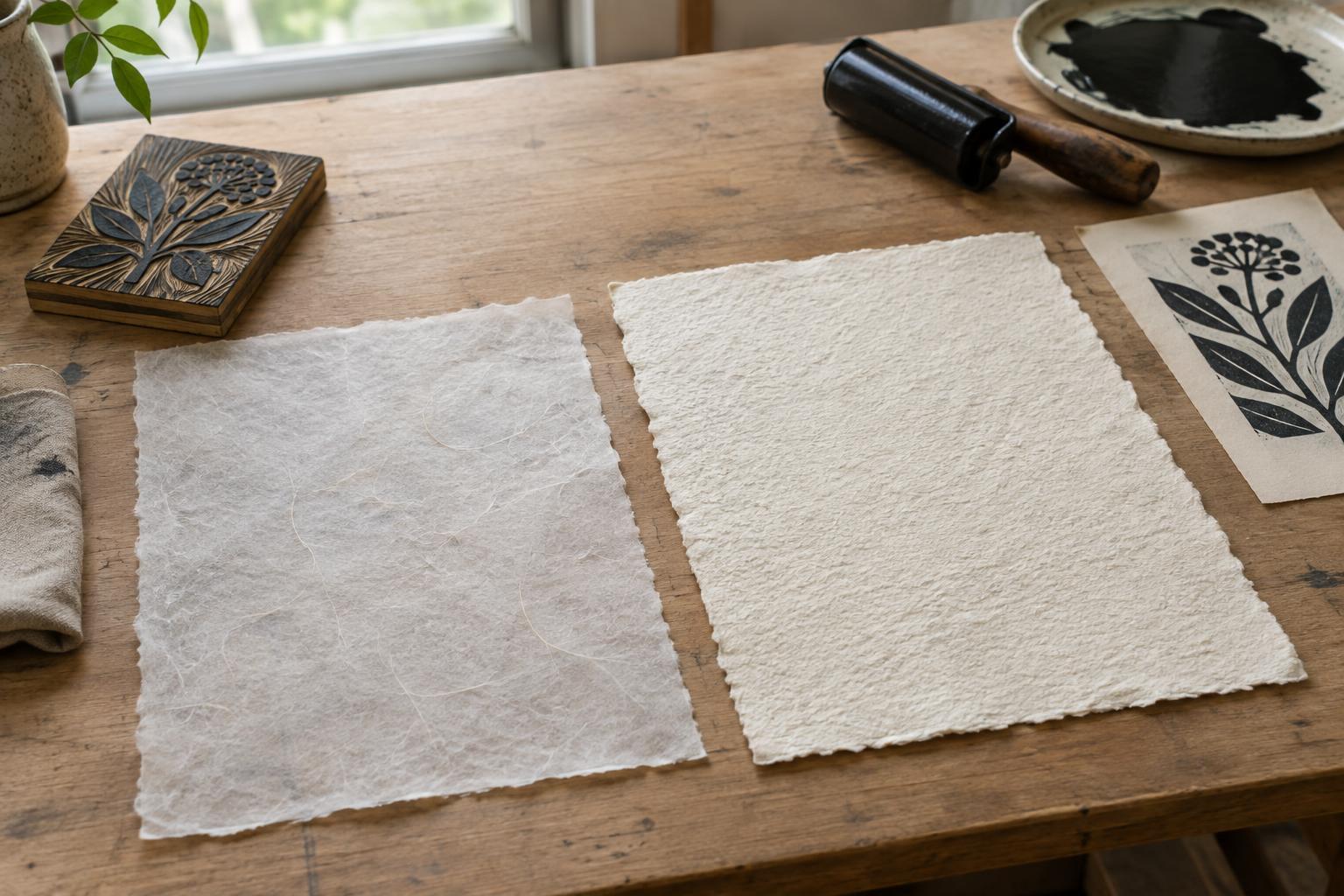
Match surface texture to detail
Smooth paper provides more consistent contact with the screen across fine lines and small shapes. It can help preserve crisp edges when the stencil has delicate detail. Textured paper has raised and recessed areas; these may give a print appealing character, but they can also interrupt thin lines or make a solid area look uneven. Neither effect is automatically a flaw. The choice depends on whether that variation supports the image.
Look at finish as well as texture. An uncoated sheet often has a softer, more matte appearance, while a coated or very smooth sheet may keep ink closer to the surface. That difference can change the apparent color and drying behavior. With coated stock in particular, check that your ink adheres and dries well before printing a large run. Run the test using the actual ink and screen you intend to use, rather than judging the paper by touch alone.
Consider absorbency, weight and stiffness
Absorbency influences how ink sits on a sheet. A more absorbent paper may give color a subdued appearance, while a less absorbent surface may make the same ink look more saturated. Excessive absorption can make edges appear less distinct. The way the paper is sized, or treated to control absorption, also matters. Because inks and papers vary, a proof is the most reliable way to see these effects in your own setup.
Paper weight is a useful guide to handling, but it does not tell the whole story. A heavier sheet will often feel more substantial and may be easier to present as an individual print; a lighter one may suit a folded project or an inexpensive practice run. Thickness and stiffness can differ between papers with the same stated weight. Choose a sheet that will feed comfortably beneath your screen, lie reasonably flat and withstand repeated handling during a multicolor print.
Water-based ink introduces moisture to the paper. Thin or highly absorbent sheets may curl or buckle, especially under large areas of ink or repeated passes. Heavier paper can help, but testing and allowing each layer to dry before the next pass matter too. If you expect substantial ink coverage, include that coverage in your test rather than printing only a small line of detail.
Plan for registration and the finished edition
For multicolor work, paper must return to the same position for each layer. Cut sheets consistently and handle them in a predictable orientation. Mark a removable working edge or use a consistent corner against your registration stops. Leave enough margin around the image for handling and, if appropriate, signing. Margins also make it easier to keep fingers clear of wet ink.
Consider how the print will be displayed or stored. If long-term presentation is a priority, look for paper identified by the maker as acid-free and suitable for artwork, and keep finished prints clean, dry and supported. Paper color is another practical choice: bright white, warm white and colored stocks can each change how an ink color appears. Print a color proof on the chosen sheet rather than assuming it will match a swatch made on another paper.
Run a small comparison before you commit
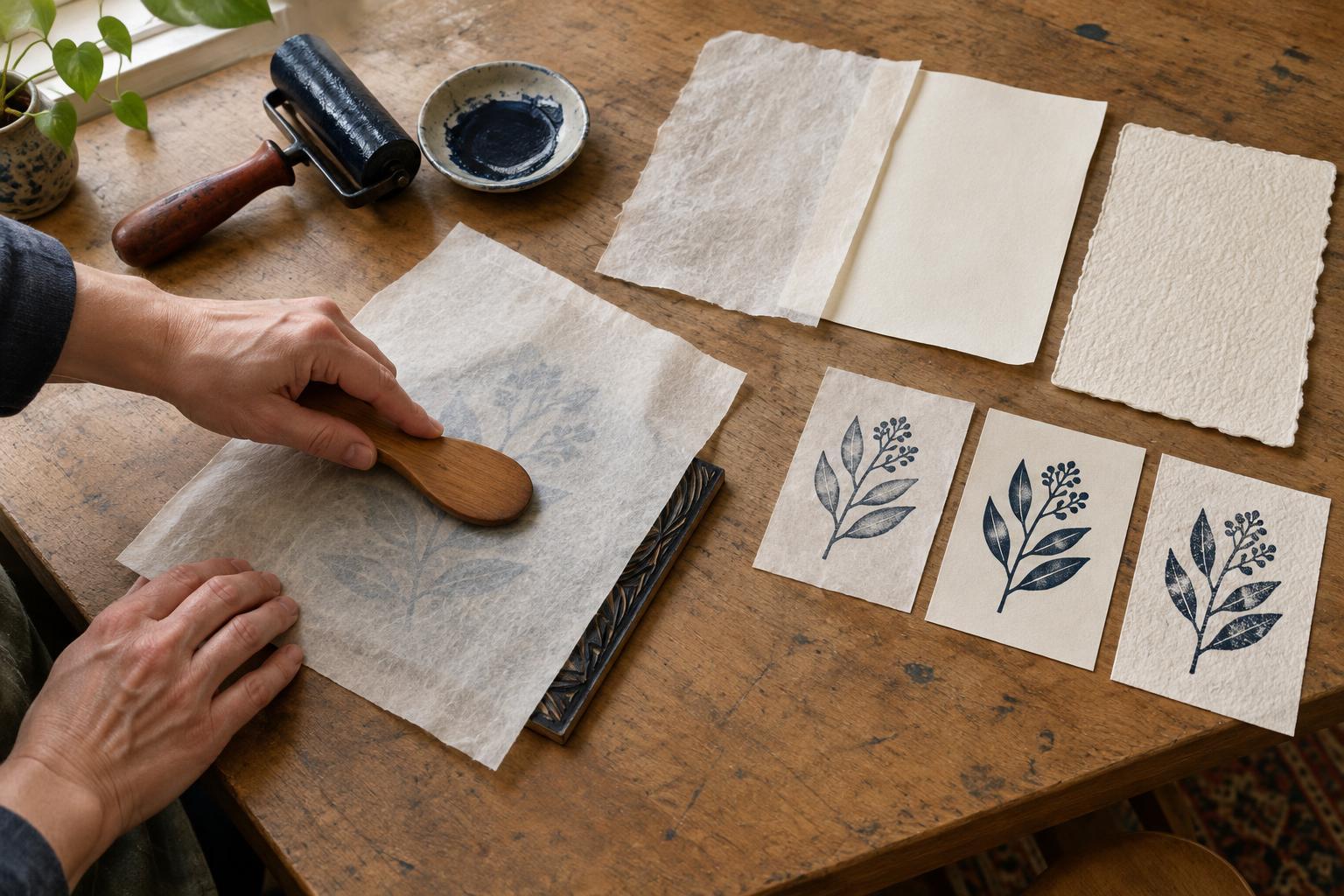
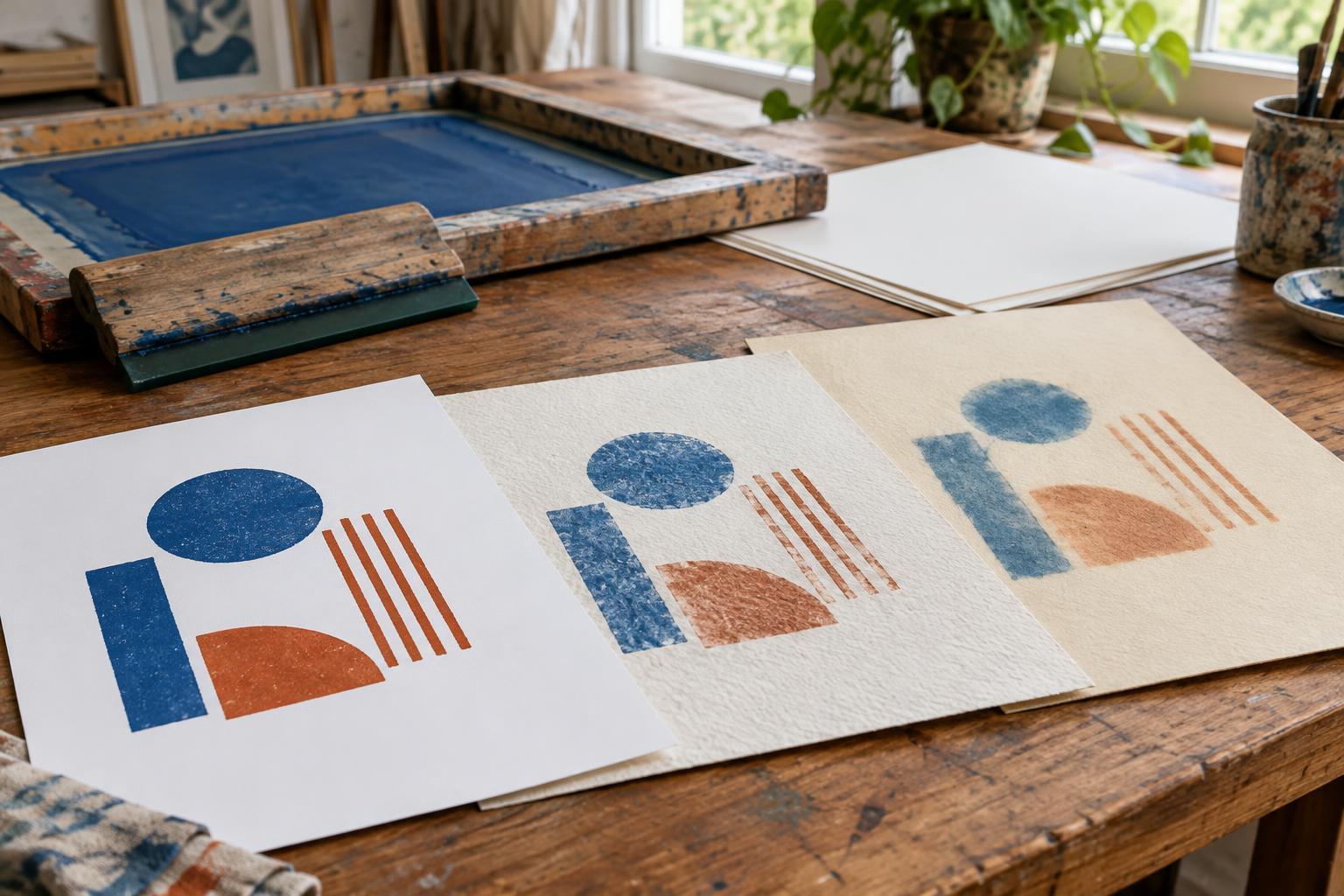
Choose two or three candidate papers and cut them to the same size. Print the same test image on each, including a fine line, small text if your design uses it, a solid patch and an area with a second color if registration matters. Keep your ink, screen and printing method as consistent as you can. Label each sheet on the back so you can compare them after they have dried.
Check edge clarity, solid coverage, color, curling and how securely the ink sits on the surface. Then ask which result best fits the intended print, not simply which looks most uniform. A slightly textured sheet might strengthen a handmade image, while a smooth one might serve precise geometry better. Keep the winning proof with your notes: it becomes a practical reference when you need to buy more paper or repeat the edition.