Start with the print’s final use
Margins are part of a print’s presentation, not just unused paper. They give the image breathing room, provide space for handling, and influence how the work sits in a frame or portfolio. Before choosing them, decide whether the print will be displayed as a full sheet, mounted behind a window mat, or stored in a sleeve or box. A generous border may be welcome for a framed work but awkward for a small portfolio page.
Make a simple paper mock-up before printing an edition. Cut a sheet to the intended final size, then place a drawing or proof of the image on it. Move the image around and view the sheet both on a table and upright against a wall. This quick test reveals whether a border feels balanced at viewing distance and whether a mat opening might cover any important detail.
Choose proportions, then refine by eye
Begin with enough margin to keep the image from feeling crowded and to allow safe handling without touching the printed area. Equal left and right margins offer a calm starting point. A slightly wider bottom margin often makes the image appear more settled and can leave room for a title or edition notation. These are options rather than rules: a broad blank area might suit a quiet image, while a compact composition may feel stronger with narrower borders.
Measure from the edges of the printed image, not only from the edges of the plate, block, or stencil. For an irregular image, use its visual boundaries as a guide and check the result by eye. If a dark shape sits heavily on one side, mathematically equal borders may look uneven. Small adjustments can create better visual balance; record the final measurements once you are satisfied.
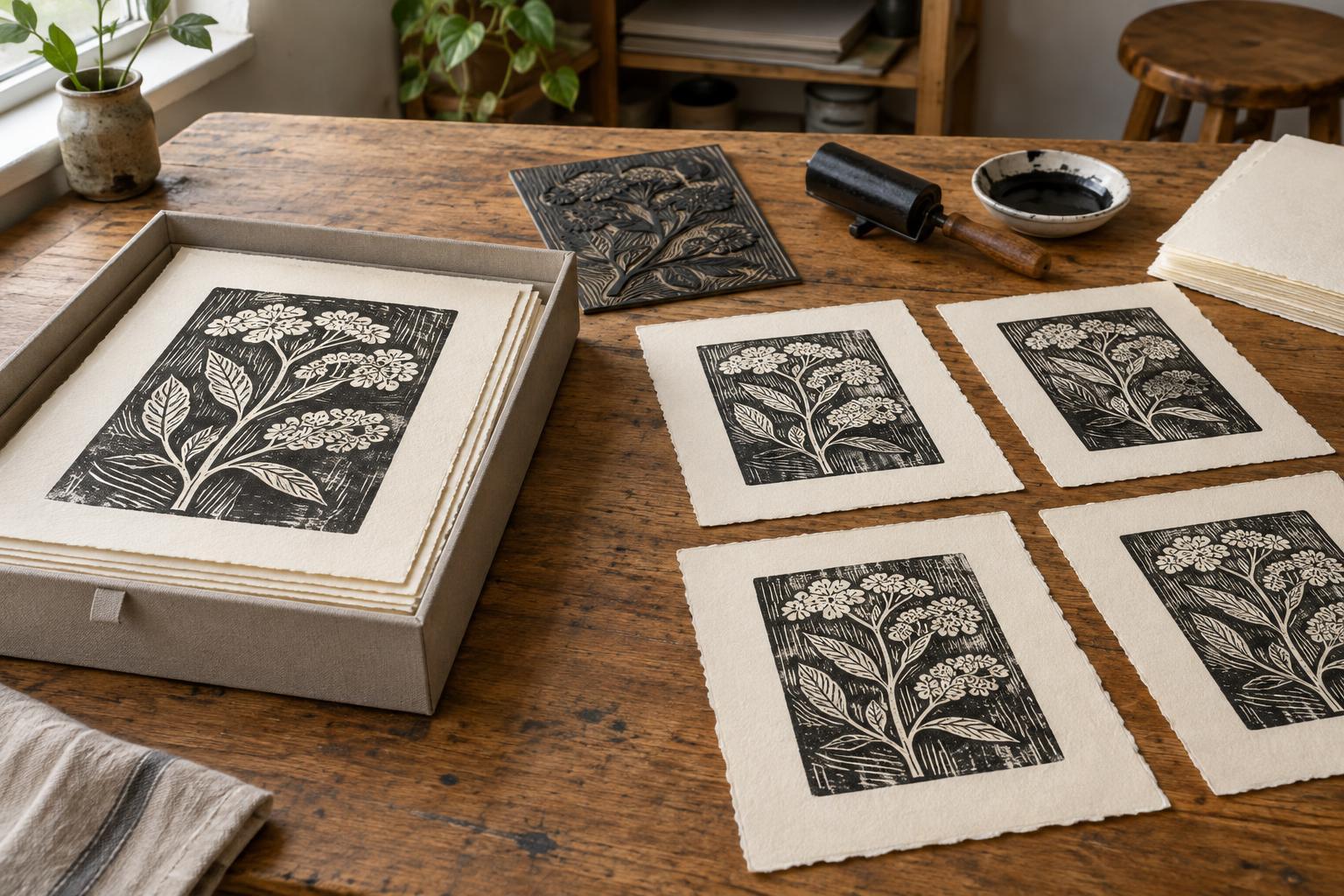
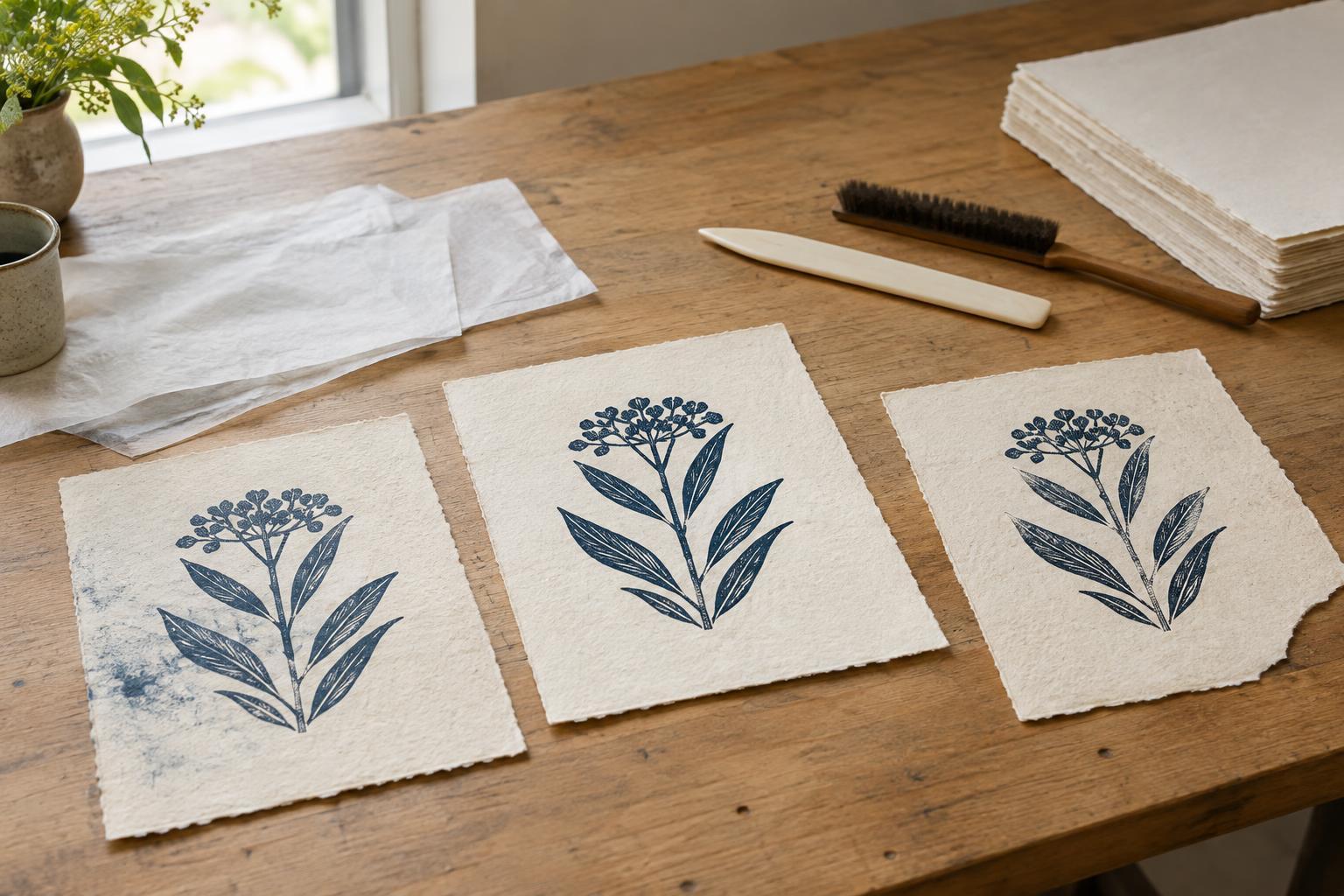
Paper itself also affects the decision. A deckled edge can be a visible feature of a full-sheet presentation, while a neatly trimmed edge may suit a more formal arrangement. If you intend to trim, leave enough paper to make clean cuts after printing. Avoid relying on a thin outer strip that could disappear through trimming or framing.
Plan placement before printing
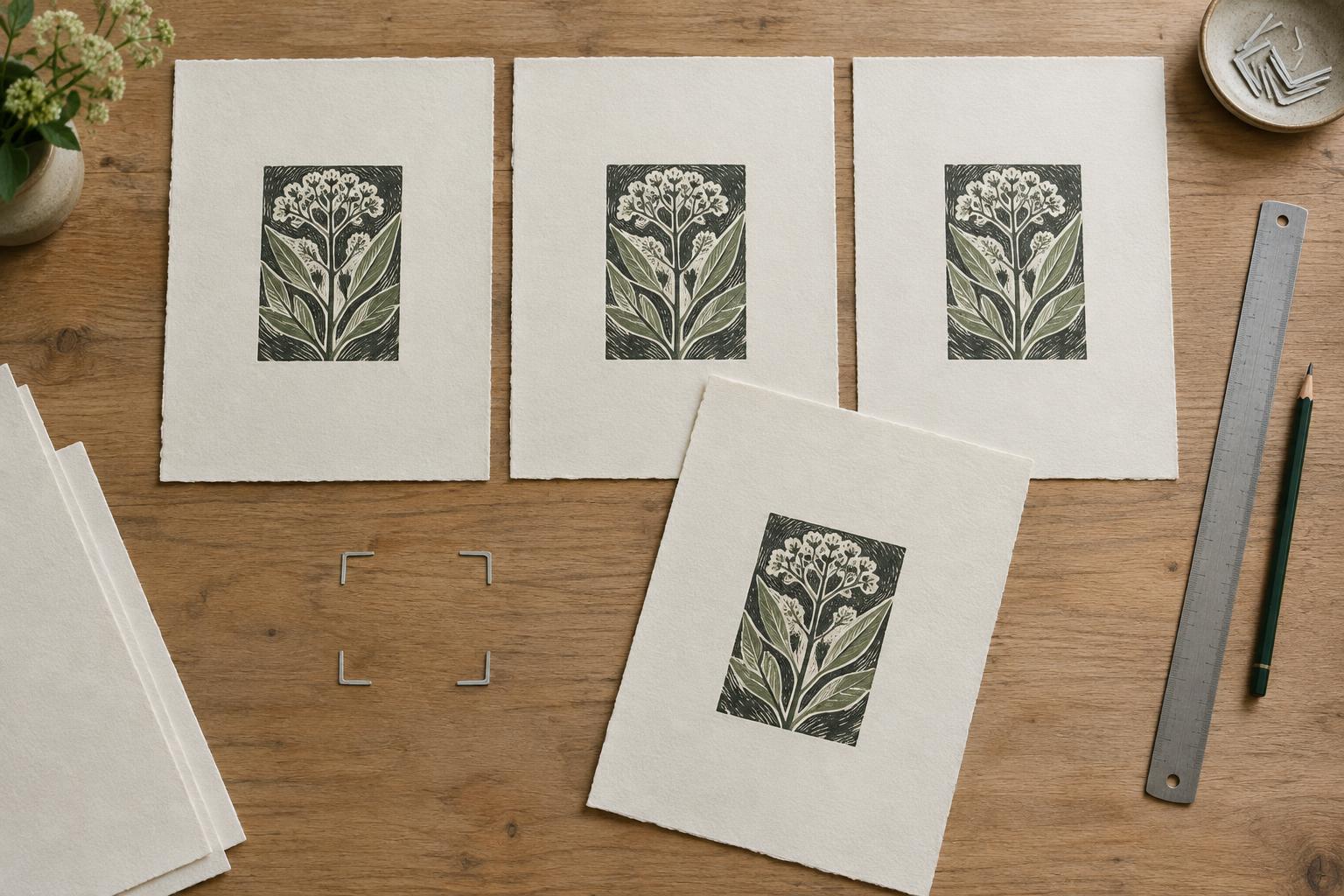
For repeatable placement, mark the image position on a registration sheet or backing board rather than making permanent marks on every printing sheet. A penciled outline, corner guides, or removable tabs can help align the paper. Check that the guides do not interfere with the press, baren, or inked surface, and make a test impression before committing to an edition.
Decide which edge of the paper will be your reference edge and use it consistently. Handmade or torn sheets may vary slightly, so aligning every image from the apparent center can introduce drift. When working with variable sheets, consider whether consistent image placement or consistent-looking outer borders matter more to the finished set. Keep a note of your choice alongside your ink, paper, and registration details.
Allow for the whole image, including any plate mark, embossing, or intentional overprinting. A mark close to the paper edge may look accidental even when the inked image is centered. A proof on the actual edition paper is more useful than a digital layout for judging how these physical details affect the composition.
Leave room for edition information
If you plan to sign or number the prints, reserve a comfortable area below the image. Practices vary: artists may place an edition number at the lower left, a signature at the lower right, and a title between them. You can also put information on the back or an accompanying record when that better suits the work. Decide on a method before printing so the available space is intentional.
Wait until prints are dry and the edition has been reviewed before adding final notations. Use a light, consistent hand, and test your writing tool on a scrap of the same paper. The notation should be legible without competing with the image. For a work with no bottom inscription, the lower border can still be wider simply because it gives the composition a visual base.
Check the edition as a group
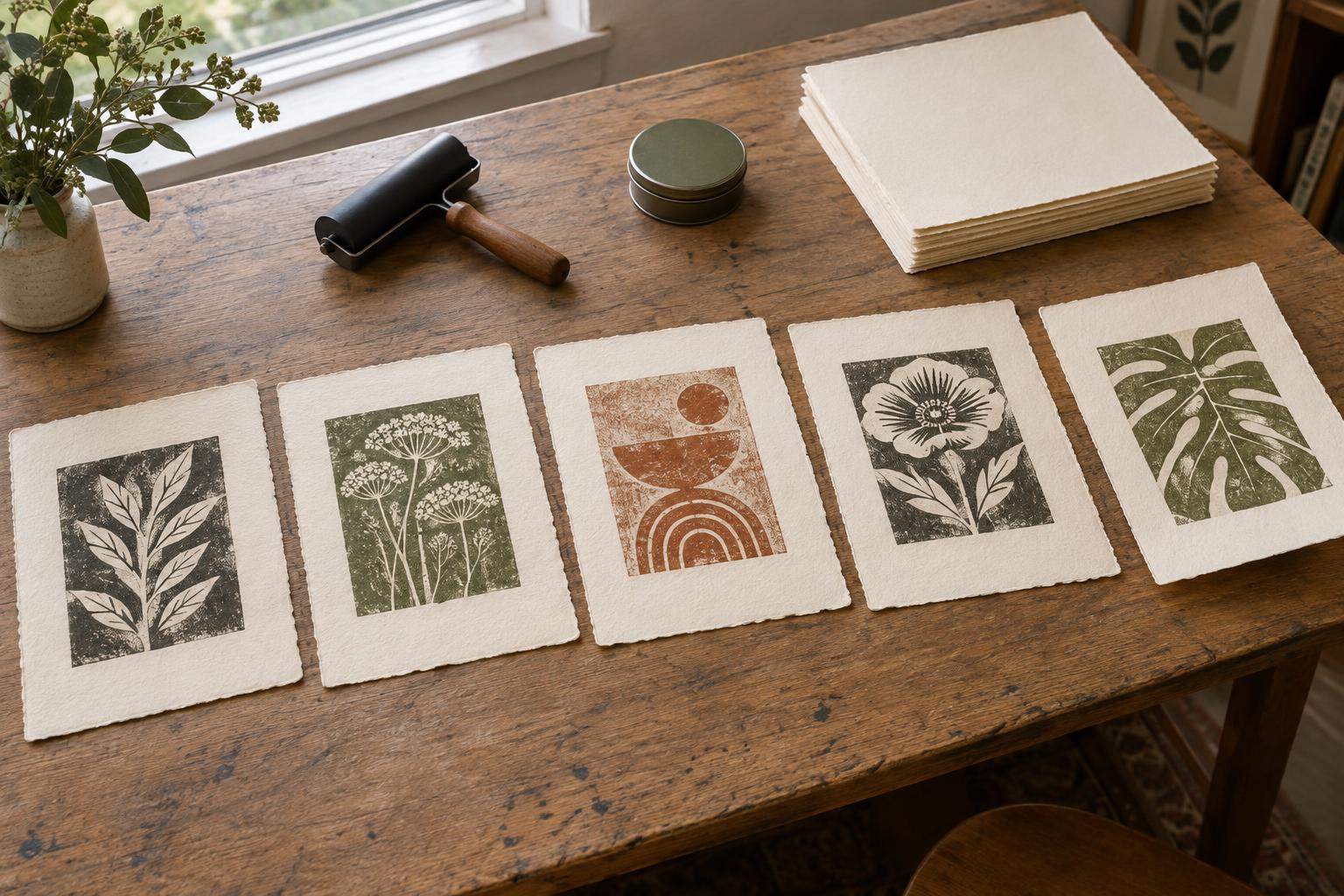
Lay several finished impressions side by side to assess their borders and placement. Minor variation may feel natural in hand printing, but conspicuous shifts can distract when prints are viewed together. Compare the position of the image, plate mark, and any inscription, then set aside impressions that do not meet the presentation standard you chose for the edition.
Keep one approved print as a reference while trimming or signing the rest. Record the sheet size, image position, and any trimming measurements for future sessions. A few careful decisions at the proofing stage make the final work easier to handle and give each impression a presentation that supports the image rather than drawing attention away from it.