Decide what you need to preserve
Before cleaning a screen, decide whether its stencil will be used again. A screen with a useful design needs an ink cleanup that leaves the stencil intact. A screen intended for a new design will eventually need to be reclaimed, including removal of the stencil. Keeping those jobs separate helps prevent an enthusiastic cleanup from destroying work you meant to save.
Note the ink and stencil materials used on the screen. Water-based and solvent-based inks may require different cleaners, and emulsions vary in what they tolerate. Follow the product instructions for compatible cleaners and disposal rather than assuming that a method suitable for one screen will suit every screen in the studio. If you are unsure, test a small area before treating the whole screen.
Remove ink before it settles into the mesh
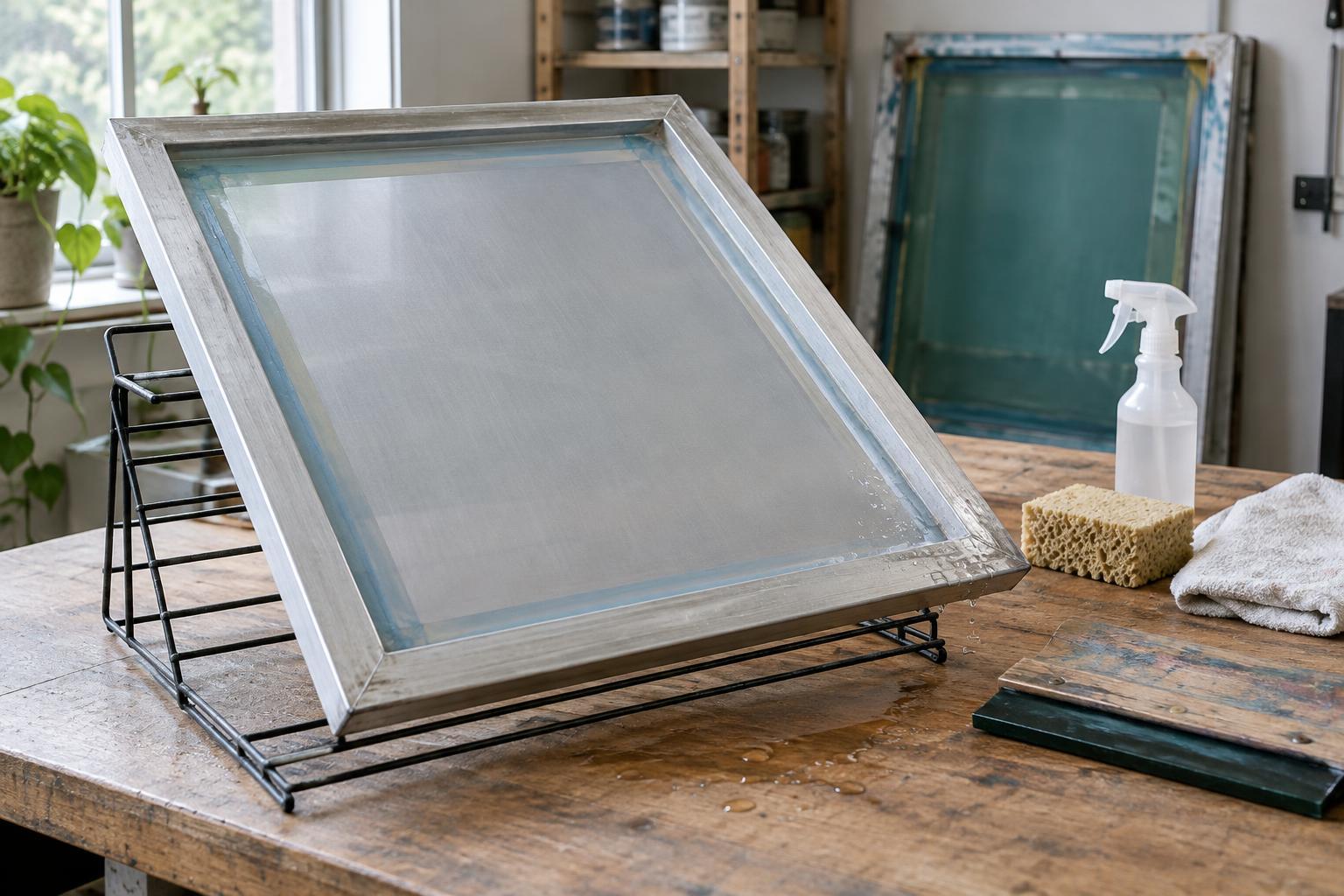
At the end of a run, scrape usable ink from the screen with a suitable card or scoop and return it to its container only if it is clean enough to reuse. Remove tape and paper scraps without pulling at the stencil. Then clean the printing side and squeegee side, paying attention to the image area, frame edges and corners where ink collects. Gentle, repeated passes are usually preferable to hard scrubbing that may abrade the mesh or stencil.
For water-based ink, prompt cleaning is particularly helpful because dried residue can obstruct fine details. Keep the screen supported while you work, and use a soft tool appropriate for the mesh. For other inks, use the recommended cleaning product with suitable ventilation and protective equipment. Collect ink-laden wipes and wash water according to local requirements; avoid treating concentrated ink or cleaner as ordinary sink waste.
Rinse, dry and inspect
After removing ink, rinse or wipe away the cleaner as its instructions direct. Check the screen from both sides against a light. An apparently clear image may still contain blocked openings, while shiny or sticky patches can indicate remaining residue. If a stencil is being kept, look for lifted edges or pinholes that might cause trouble during the next run. Make a note of anything that will need repair before printing resumes.
Let the mesh and frame dry fully before covering or storing the screen. Water trapped near a frame, beneath tape or in a stack of screens can create an unpleasant surprise when you return to the studio. Stand screens where air can circulate without leaving them vulnerable to being knocked over. Avoid unnecessary heat or direct sunlight, especially when you do not know how the stencil materials will respond.
Store screens so they are easy to reuse
A clean screen is easier to protect than a dirty one. Store screens upright or in a rack that supports their frames without pressing on the mesh. Keep sharp tools, heavy objects and loose supplies away from the printing surface. A simple label can record the design, ink type, cleaning date and any remaining issues; it saves time when several similar-looking screens are in rotation.
If you are preserving a stencil, choose a dry location protected from dust and accidental contact. Keep coated but unexposed screens under the light conditions recommended for their emulsion; they need more careful handling than screens bearing finished stencils. Before the next session, give every screen a quick light check and confirm that the mesh is clear and the frame is sound.
Know when routine cleaning is not enough
If a design is finished, reclaim the screen using products and steps compatible with its emulsion and ink. Work through ink removal, stencil removal and any further mesh cleaning as separate tasks, following the product directions. A faint stain left by an old image does not always mean the mesh is blocked, but residue that prevents ink from passing through needs attention before a new stencil is prepared.
Avoid compensating for a stubborn patch with excessive pressure or an improvised chemical mixture. Check whether the problem is dried ink, remaining emulsion or staining, then choose the appropriate treatment. If the mesh is torn, badly distorted or loose, cleaning will not restore its printing performance. Setting such a screen aside for repair or replacement is often more useful than discovering the fault halfway through an edition.