Start with the task, not the furniture
Carving and printing ask different things of your body. Carving often involves close visual work and small, controlled movements; inking and printing may involve reaching across a surface or applying even pressure. A setup that feels comfortable for one step may be awkward for another. Before rearranging the studio, try each part of your usual process and notice when you lean forward, lift your shoulders, grip tightly or reach repeatedly.
You do not need a dedicated studio or an adjustable bench to make useful changes. A sturdy table, a stable chair, a bench hook and a few well-placed supplies can form an effective workstation. Make one adjustment at a time, then work briefly and check whether it improves both comfort and control. If a change makes the block unstable or interferes with safe tool use, choose a different arrangement.
Set a comfortable height for carving
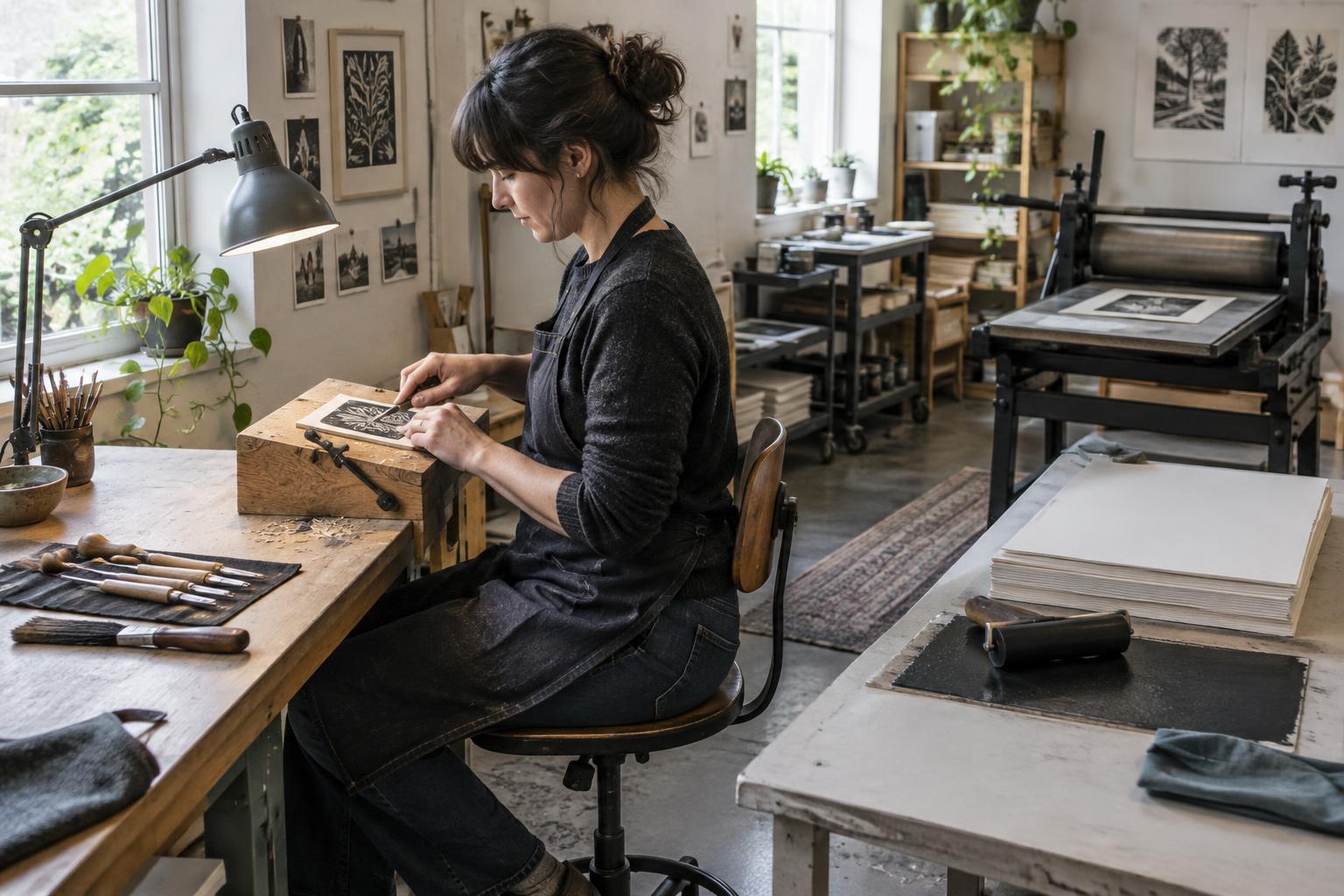
For seated carving, position the block so you can see the cut without rounding your back sharply or raising your shoulders. Your forearms should be able to rest or move comfortably near the work surface. If the table feels too high, a suitable chair height and a stable footrest may help; if it feels too low, consider a secure raised work surface rather than hunching over it. Keep both feet supported and leave room to change position.
Secure the block with a bench hook or another appropriate holding method. This can reduce the need to grip the block while giving the cutting hand a steadier path. Place your supporting hand out of the blade’s travel and carve away from your body. A sharp, suitable tool usually requires less forcing than a dull one, but it still needs careful handling. Position a lamp to illuminate the cut without casting a shadow from your hand; move the light before bending closer to see.
Arrange printing for easy, controlled movement
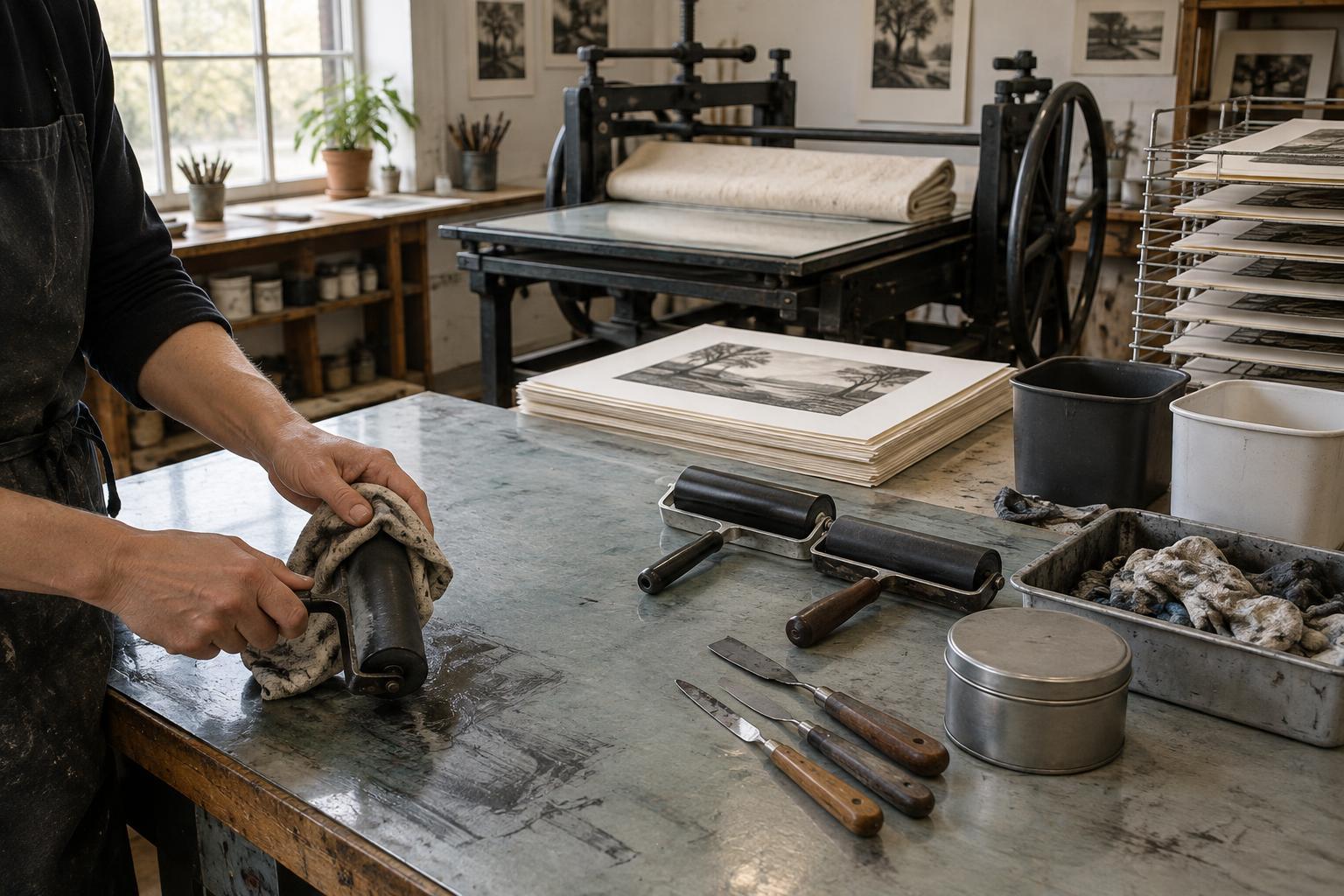
At the inking station, leave enough space to roll ink without working around stacks of paper or tools. Put the ink slab, brayer and block within a comfortable reach, and move the paper supply closer rather than stretching to it for every impression. Protect clean sheets from ink and moisture by giving them their own area. If you print in a small space, separate these zones with trays or clear parts of the table as you move between stages.
When burnishing by hand, a secure block and steady pressure are more useful than pushing as hard as possible. Try changing your position so you can reach the whole image without twisting your torso or extending one arm to its limit. For a press, follow the equipment’s operating guidance and keep the area around moving parts clear. If a task involves repeated heavy pressure, divide the work into shorter batches or reconsider the tool or method rather than relying on force alone.
Keep frequently used items close and clear
A workstation can feel tiring simply because its layout demands the same awkward reach many times. Put the tools used in the current stage near your working hand, with blades stored safely when not in use. Keep a clear route for moving a freshly inked block or print, and place drying space where you will not have to carry wet sheets across clutter. A small tray for tools and a separate spot for offcuts can help keep the working surface usable.
Pay attention to glare as well as brightness. Good, even light makes it easier to judge carved lines, ink coverage and registration marks without leaning into the work. Keep reference images at a height where you can glance at them without repeatedly turning your neck. These changes may seem minor, but they make the sequence of carving, inking and printing easier to follow.
Build movement into the edition
Edition work can encourage you to stay in one position until the last sheet is printed. Instead, plan natural stopping points: after a group of carved areas, after setting out paper, or between small batches of impressions. Set down the tool, stand or sit differently, and check the next stage before continuing. Switching tasks can also give heavily repeated movements a rest, provided the new task does not demand the same grip or pressure.
Treat comfort as part of your printing notes. Record the table arrangement that worked, where you placed the light, and whether the edition size made your setup difficult to use. For the next session, you may find that moving the paper stack, raising the block securely or printing fewer sheets at a time makes the process smoother. Persistent pain or symptoms are a reason to stop and seek guidance from an appropriate health professional; workstation adjustments are not a substitute for individual care.